

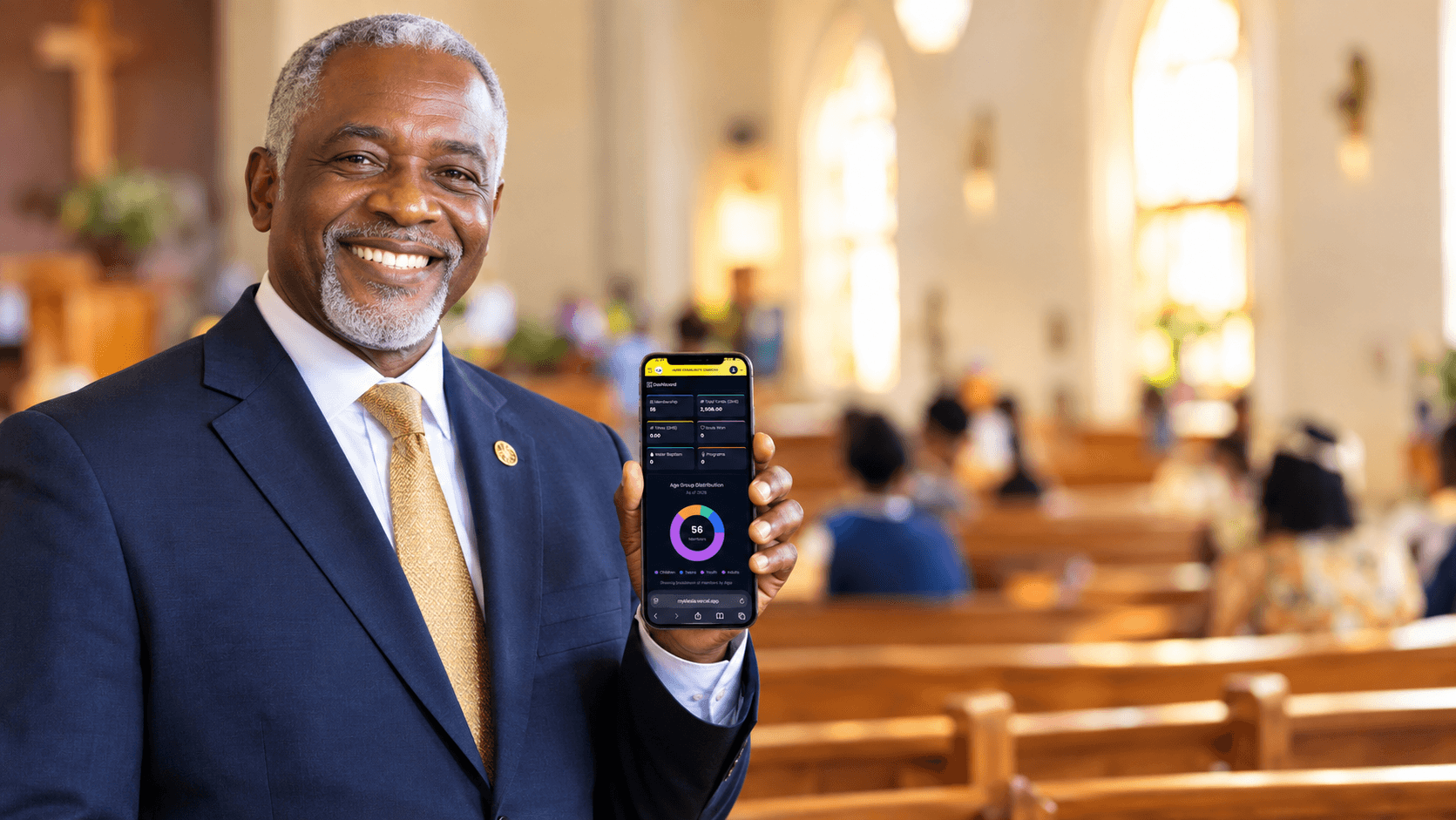
Run your church from one app.
Members, attendance, tithes, offerings and welfare in one place. Text your members, take giving online, and see every figure at a glance.

Members
Attendance & follow-up
Check-ins and follow-up for every service
Online giving
Tithes and offerings from any phone
Total Tithes Recorded
See how it works
A quick tour: members, tithes, giving, attendance, messages and pastoral care.
Under a minute • Sound on • No technical skills required
Everything your church runs on
One app for your members, money, meetings and messages.
Membership
Your entire church roster, organized and searchable.
- Add members with photos, contact details, and family/guardian links, and record their status (new convert, transferred in, member, child) and any office they hold
- Call or WhatsApp a member straight from the list
- Phone numbers come with a country code picker, so members abroad are recorded correctly
Finances
Track tithes, offerings, and church funds in one place.
- Log tithes, missions offerings, and other income as it comes in
- Build each month's tithes statement week by week, view every week's figures, and close it when the month is done
- Gifts given online show up in Finances automatically, ready to assign and approve
Online Giving
Let members give from their phone, with the money going straight to your church.
- In Ghana, connect your church's bank or Mobile Money account and accept gifts by card or MoMo. Myklesia takes no cut
- Add up to ten payment options of your own, each a link (e.g. PayPal or your bank's page), account details to pay into, or both
- Members give from your church page or a short /give link, and can tell you about a gift they made another way with "I've given"
Roll Call
Simple attendance registers for meetings and events.
- Take attendance for any gathering in a couple of taps, and search the register to find someone fast
- Let members check themselves in: they scan a QR code and type just their Member ID number
- Put the check-in QR code up full-screen on a projector or TV so the whole room can scan it
Broadcasts
Send a text message or email to exactly the people who need it.
- Pick a ready-made audience (e.g. everyone in the Youth age group, or a specific cell/list) or build a custom one by combining filters
- Send by SMS or by email, and see the estimated SMS cost before you send
- Members whose number can't receive a text (for example, abroad) get the same message by email automatically, and you only pay for the texts
Pastoral Care
Make sure every member, and every new convert, has someone looking out for them.
- Pick your carers and share members out among them evenly in one click
- Keep different kinds of care side by side, like general care, new convert follow-up or visitation
- Share out the whole church or just one group, such as new converts or a cell, and choose to fill in only the members who don't have a carer yet
Start Your Free Trial
Use every feature free for 14 days. No card needed, and we'll help you set up.
No credit card required
How much does Myklesia cost?+
Plans are based on how many active members your church has: Starter for up to 100, Growth for up to 500 and Enterprise for unlimited members. You can pay yearly or monthly. Current prices are on the pricing page, shown with the cedi amount you will be charged.
Is there a free trial?+
Yes. You can use every feature free for 14 days. No card is needed to start.
Can we send text messages?+
Yes. Every plan includes SMS credits for broadcasts, birthday wishes and thank-yous: 100 a year on Starter, 300 on Growth and 1,000 on Enterprise, and the free trial comes with 25. Credits never expire, and emails are always free.
Will I be charged automatically?+
No. There are no automatic charges. Each payment adds a year or a month to your plan, we email you before it runs out, and you renew when you are ready.
How do we pay?+
Securely through Paystack, with Mobile Money or a card. If you'd rather pay us directly by Mobile Money or bank transfer, ask us for an invoice. Either way you get a receipt by email (PDF attached) for every payment, and all your receipts stay in the app under Settings, Plan & billing.
Do we have to type in every member ourselves?+
No. Share your church's registration link or QR code and members can fill in their own details from their phones.
Can members who live abroad use it?+
Yes. Anyone can register through your link or QR code. Text messages go to Ghana numbers; members with other numbers get their messages by email instead.
Can more than one leader manage it?+
Yes. Add other admins and tick their jobs, such as Treasurer, Secretary, Pastoral leader or Data entry. Each job decides what they can see and change, so not everyone needs the treasury keys, and you choose which jobs see members' phone numbers, dates of birth and pastoral notes.
Is our church's information safe?+
Data is sent over encrypted connections, every admin has their own login and role, and each church only sees its own records. We never use your members' details for our own marketing. Our privacy policy explains the rest.
Does it work on a phone?+
Yes. Myklesia is built to work on a phone as well as a computer, so ushers, secretaries and pastors can use it on the go.
Can someone help us set it up?+
Yes. Book a free demo or send us a message and we will walk your team through setting up your church.
Questions? Talk to us.
Pricing, setting up your church, moving your records over, or anything else. Send us a message and we'll get back to you, usually within a day.
Email us
info@myklesia.com